
How to Free Up Storage Space: A Practical Guide for Digital and Physical Clutter
Digital & Physical Storage Impact Calculator
Digital Device
Total: 0 GBEstimate current usage:
Physical Space
Total: 0 ItemsEstimate breakdown:
Your Decluttering Potential
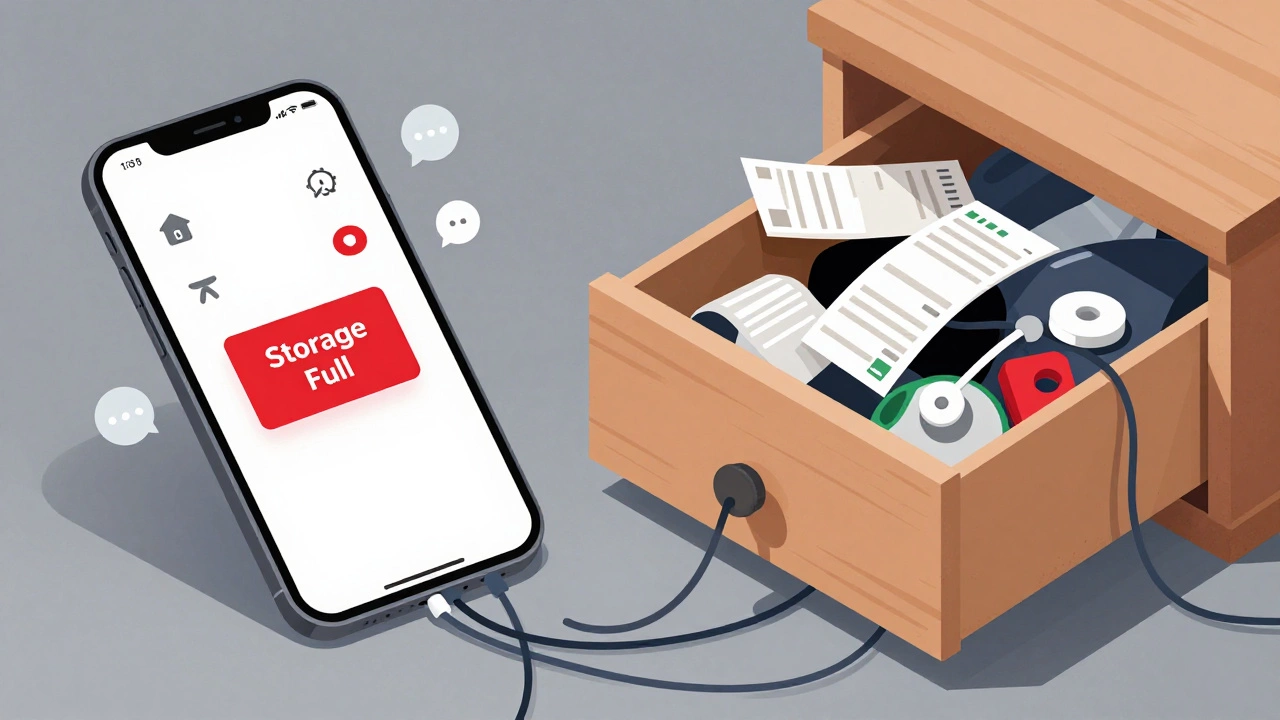
You know that feeling when your phone screams "Storage Full" right as you try to take a photo of something important? Or worse, when you can't find the spare keys because they're buried under a mountain of old receipts and forgotten cables in your drawer. It’s frustrating, stressful, and honestly, it slows down your life. Whether we are talking about gigabytes on a hard drive or square meters in a small Auckland apartment, the problem is the same: we have too much stuff, and nowhere to put it.
Freeing up space isn’t just about cleaning; it’s about reclaiming control. When your digital environment is cluttered, your computer runs slower and your mind feels scattered. When your physical home is overstuffed, you spend more time looking for things and less time actually living. The good news is that you don’t need to throw everything away today. You just need a system.
The Digital Purge: Reclaiming Your Device's Memory
Let’s start with the most immediate pain point: your devices. In 2026, our phones and laptops are doing heavy lifting-AI assistants, high-resolution photos, and streaming data all eat up space fast. If your device is lagging, it’s likely choking on unused files.
First, tackle the obvious culprits: photos and videos. We take hundreds of blurry shots of food, screens, or accidental thumbs. Delete them immediately. For the ones you want to keep, use Cloud Storage services like Google Photos or iCloud. These services compress images intelligently, saving terabytes of local space while keeping your memories safe online. Once backed up, delete the original copies from your device.
Next, look at your apps. How many games did you download for a weekend and never opened again? Go through your app library and uninstall anything you haven’t used in three months. Apps often leave behind cache files-temporary data that builds up over time. On Android, you can clear this cache manually in settings. On iOS, deleting and reinstalling the app clears it completely. This simple step can free up several gigabytes instantly.
Don’t forget your downloads folder. It’s a graveyard of PDFs, installers, and zip files you downloaded once and forgot about. Sort by size and delete anything older than six months unless it’s critical work documentation. Finally, empty your trash bin. Files deleted from your desktop or phone still sit in the "Recently Deleted" folder for 30 days, taking up space. Empty it now.
The Physical Declutter: The One-Touch Rule
Digital clutter is invisible, but physical clutter is loud. It stares at you from every surface. To free up physical space, you need to change how you interact with objects. The golden rule here is the "One-Touch Rule." When you bring something into your house-mail, groceries, laundry-handle it once. Put it away immediately. Don’t set it on the counter "for later." Later never comes.
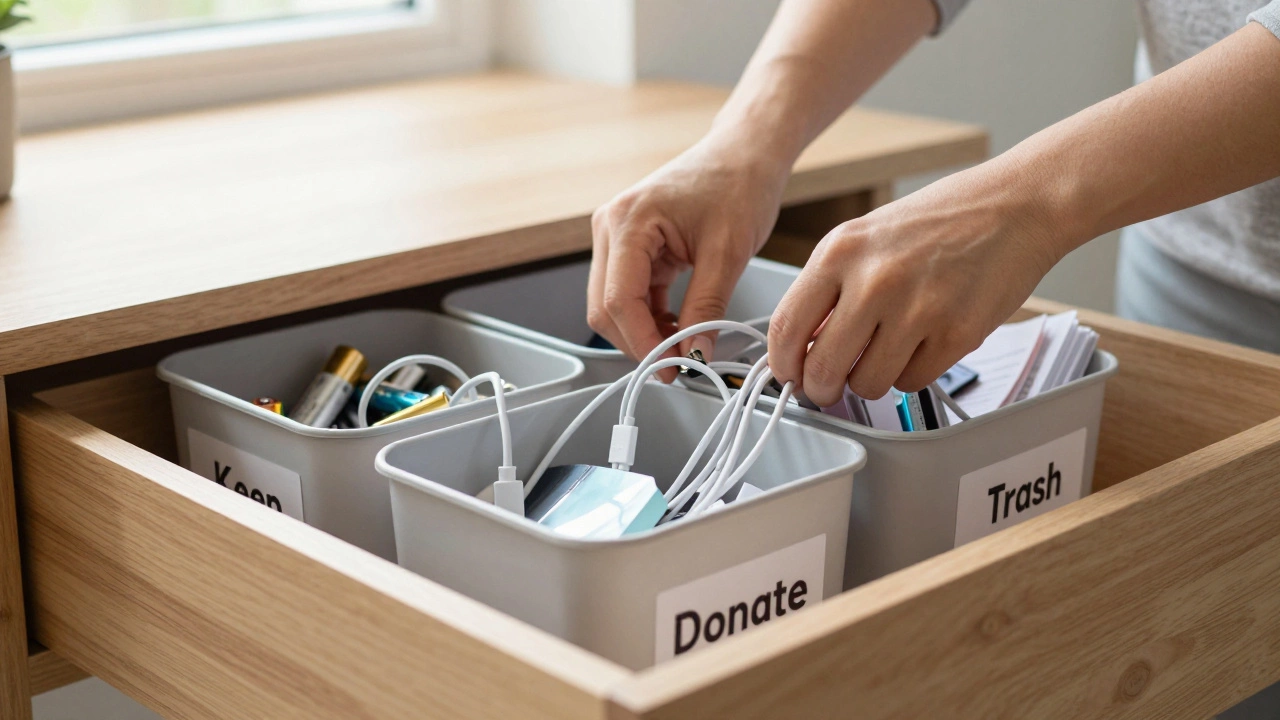
Start with a single zone. Don’t try to clean the whole house. Pick one drawer, one shelf, or one closet. Take everything out. Now, sort each item into three piles: Keep, Donate/Sell, Trash. Be ruthless. If you haven’t worn it in a year, donate it. If it’s broken beyond repair, trash it. If you’re unsure, box it up, date it, and hide it. If you don’t open it in six months, donate the whole box unopened.
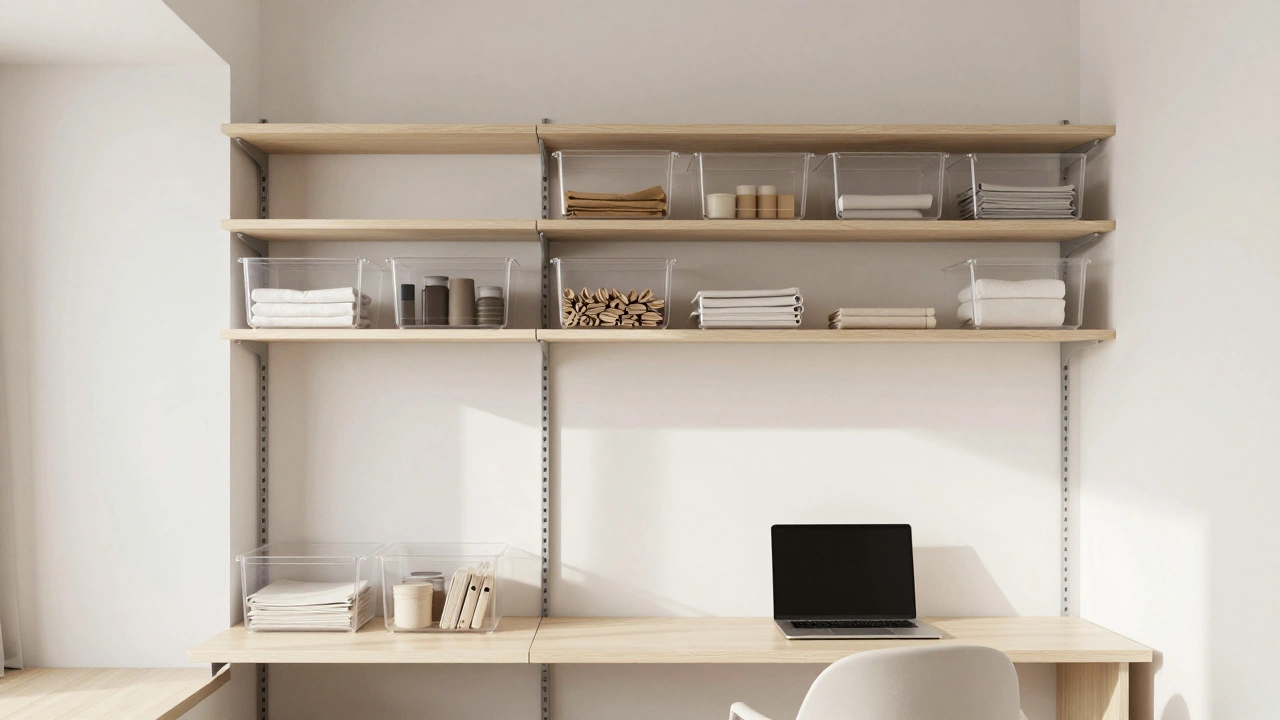
Consider the concept of Minimalism, which focuses on keeping only what adds value to your life. This doesn’t mean living in an empty white room. It means every object has a purpose and a place. Use vertical space. Install shelves above doorways or use tension rods inside cabinets to double your storage capacity. Clear bins labeled "Batteries," "Cables," and "Medical Supplies" turn chaos into order.
Smart Systems: Keeping Space Free Long-Term
Cleaning is easy; staying organized is hard. Without a system, clutter returns within weeks. You need habits that prevent buildup.
Implement the "One In, One Out" rule. If you buy a new shirt, sell or donate an old one. If you download a new app, delete an old one. This keeps your inventory static rather than growing. For digital files, automate backups. Set your phone to automatically back up photos to the cloud when connected to Wi-Fi. This prevents the "Storage Full" panic before it happens.
Use technology to your advantage. Smart home devices can help manage physical waste. Smart bins with sensors can alert you when recycling needs pickup, preventing overflow. For digital management, use file naming conventions. Instead of "IMG_1234.jpg," name files descriptively like "2026-05-10_BirthdayParty.jpg." This makes searching faster and reduces duplicate files.
Regular maintenance is key. Schedule a "storage audit" once a month. Spend 15 minutes reviewing your digital downloads and physical junk drawers. Small, frequent efforts prevent massive, overwhelming cleanups.
| Strategy Type | Digital Action | Physical Action | Time Saved |
|---|---|---|---|
| Automate Backups | Set cloud sync for photos/docs | N/A | Hours per month |
| Declutter Routine | Delete unused apps/cache | Empty junk drawers monthly | Minutes per day |
| Vertical Expansion | Use external hard drives | Install wall-mounted shelves | Immediate space gain |
| Input Control | Unsubscribe from email newsletters | Apply "One In, One Out" rule | Prevents future clutter |
Common Pitfalls to Avoid
Many people fail to maintain free storage because they fall into common traps. First, don’t hoard "just in case" items. You likely won’t need that extra drill bit or that software installer from 2018. If it’s truly needed, it’s usually available online or at a hardware store. Second, avoid buying storage solutions before decluttering. Buying new bins without sorting first just moves clutter from one place to another. Sort first, then buy containers only for what remains.
Another mistake is emotional attachment. We keep gifts, tickets, and old clothes because they hold memories. But the memory lives in you, not the object. Take a photo of the item, then let it go. This preserves the sentiment without the physical burden.
FAQ
How do I free up storage on my iPhone quickly?
Go to Settings > General > iPhone Storage. Here, you’ll see a list of apps sorted by size. Delete large apps you don’t use, enable "Optimize Storage" for Photos and Videos, and clear Safari cache. Also, check your "Recently Deleted" album in Photos and empty it.
What is the best way to organize a small closet?
Use vertical space with double-hanging rods. Store off-season clothes on high shelves or under the bed. Use clear bins for accessories like scarves and belts. Group clothes by category (pants, shirts, dresses) rather than color for easier access.
Is it safe to delete temporary files on my computer?
Yes, temporary files are created by programs during operation and are not needed afterward. Deleting them frees up space and can improve performance. Use built-in tools like Windows Disk Cleanup or macOS Storage Management to safely remove these files.
How often should I declutter my home?
Aim for small sessions weekly and larger audits seasonally. Spend 15 minutes a week clearing surfaces and checking junk drawers. Every three months, review closets and digital files to prevent accumulation.
What should I do with sentimental items I can't part with?
Take high-quality photos of the items to preserve the memory digitally. Then, consider donating or selling the physical object. If you must keep it, assign it a specific, limited space so it doesn’t spread clutter throughout your home.